DDR5 vs DDR4 for Productivity Workloads
Choosing memory for a productivity PC is less straightforward than comparing generations by specification alone. DDR5 offers substantially higher bandwidth, while DDR4 remains widely available, affordable, and capable of delivering strong real-world performance. The right choice depends on the software being used, the processor platform, memory capacity, and how often workloads run simultaneously.
Rendering, software compilation, video encoding, 3D simulation, and large file transfers can expose differences that are easy to miss in gaming benchmarks. Some applications benefit from faster memory access immediately, while others remain limited by CPU core performance, storage speed, or thermal headroom.
For a new build, the decision also affects the motherboard, processor compatibility, upgrade path, and total system cost. A careful comparison of DDR5 and DDR4 can prevent spending money on bandwidth that a particular workflow cannot use.
What Memory Bandwidth Changes
DDR4 typically operates between 2,666 MT/s and 3,600 MT/s in mainstream desktop systems, while current DDR5 kits commonly begin around 5,200 MT/s and extend well beyond 7,000 MT/s. Memory transfer rates are much higher with DDR5, although latency timings can appear looser on a specification sheet.
Bandwidth matters when a processor constantly moves large data sets between system memory and its cores. Video frames, geometry data, code bases, texture assets, and compressed archives can all create sustained memory traffic. DDR5’s greater throughput gives the CPU more room to keep multiple cores supplied.
Latency still matters for lightly threaded and irregular workloads. A well-tuned DDR4 kit can feel responsive in applications that make frequent small memory requests, while a higher-speed DDR5 kit can pull ahead when the workload streams large blocks of data. The processor’s memory controller and cache design also influence the result.
Rendering Performance Depends On The Engine
CPU rendering is one of the clearest productivity areas where DDR5 can provide an advantage. Applications such as Blender, V-Ray, Corona, and certain CAD renderers divide complex scenes across many threads. When every core is active, faster memory can improve scene preparation, geometry handling, and tile processing.
The improvement is rarely equal to the raw bandwidth increase. A move from a balanced DDR4 platform to DDR5 may produce a modest single-digit gain in a completed render, with larger differences appearing in memory-heavy scenes or when the processor has many cores. The CPU model generally has a bigger influence than the memory generation.
GPU rendering changes the balance. If the scene and assets fit into graphics memory, the graphics card performs most of the work and system RAM has a smaller effect. When assets spill into system memory, however, capacity and transfer speed become more important. A 64GB DDR4 system can be more useful than a 32GB DDR5 system if the project regularly exceeds available memory.
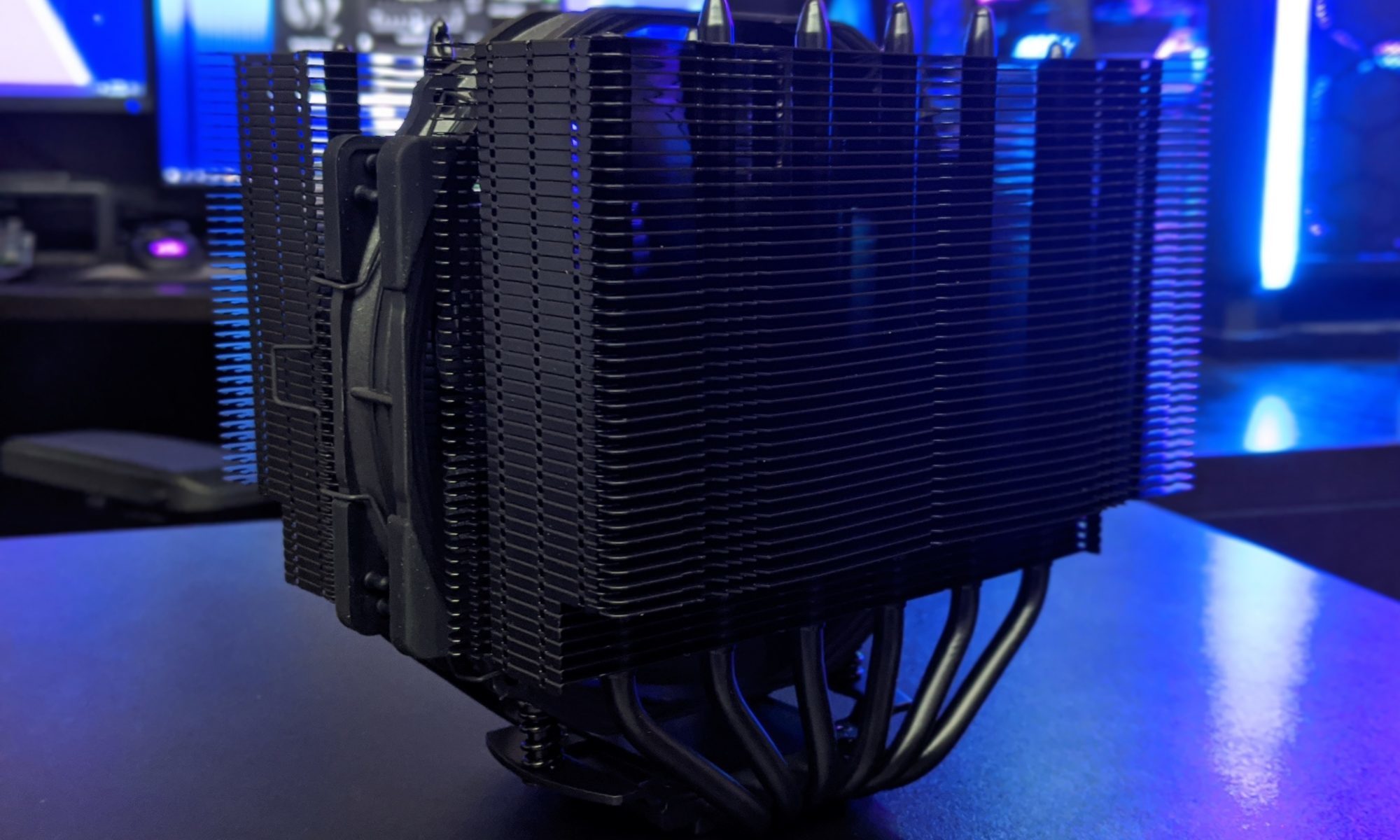
Cooling should be considered alongside memory speed because sustained rendering loads keep the processor at high power for extended periods. Hardware Hounds’ CPU cooler comparisons help place cooling performance, noise, and sustained boost behavior in the same purchasing decision.
Compiling Large Projects
Software compilation tends to reward CPU cores, strong single-thread performance, and fast storage. A large C++ project can involve thousands of source files, dependency checks, preprocessing tasks, and linker operations. DDR5 can reduce some memory bottlenecks, especially when parallel compilation uses many worker threads.
The benefit varies considerably by build system. Incremental builds often touch a limited set of files and may show little difference between equivalent DDR4 and DDR5 platforms. Clean builds, large browser projects, operating system kernels, and workloads running multiple compiler processes can make the bandwidth gap more visible.
Capacity frequently matters more than speed. If the system runs out of physical memory, background applications and compiler caches may be pushed to the page file, creating a much larger slowdown than the difference between memory generations. Developers working with virtual machines, containers, IDEs, browsers, and local databases should prioritize enough RAM before buying an especially fast kit.
Workload Tradeoffs At A Glance
The most useful comparison is based on the complete platform rather than memory speed in isolation. DDR5 tends to make more sense with newer processors designed around high memory bandwidth, while DDR4 can remain competitive when paired with a strong CPU and generous capacity.
| Productivity workload | Typical memory sensitivity | DDR5 advantage | Priority for buyers |
|---|---|---|---|
| CPU 3D rendering | Medium to high | Small to moderate | Core count and cooling first |
| GPU rendering | Low to medium | Usually modest | VRAM and system capacity |
| Large software builds | Medium | Small to moderate | CPU threads and RAM capacity |
| Video encoding | Medium | Small to moderate | CPU or GPU encoder performance |
| Compression and archiving | Medium to high | Moderate in sustained jobs | CPU efficiency and storage |
| Virtual machines | Medium | Varies by workload | Capacity and stability |
| General office productivity | Low | Usually minimal | Price, capacity, and responsiveness |
These are broad tendencies rather than fixed results. Memory timings, gear modes, BIOS settings, processor architecture, and application versions can change the outcome. A carefully tuned DDR4 platform may outperform a poorly configured DDR5 system in some tasks.
Encoding And Multitasking Behavior
Video encoding is usually governed by the CPU’s execution resources or a dedicated hardware encoder on the graphics card. Software encoders such as x264 and x265 can benefit from additional memory bandwidth when using many threads, especially at demanding quality settings. The improvement is generally incremental rather than transformative.
Hardware-assisted encoding places less pressure on system memory. NVIDIA, AMD, and Intel media engines handle much of the encoding process independently, so moving from DDR4 to DDR5 may have little effect on export time. System RAM capacity still matters when editing high-resolution footage, using large effects stacks, or keeping several applications open.
Compression and decompression workloads can show a stronger response. Algorithms such as Zstandard, 7-Zip, and some archival tools use multiple cores and move large data sets continuously. DDR5 can shorten long compression jobs, but the difference should be weighed against the cost of a new motherboard and processor.
Multitasking is where a faster platform can feel smoother even when individual benchmark gains are small. A developer compiling code while running containers, a creator exporting video while managing assets, or an engineer using several virtual machines may benefit from higher bandwidth and increased memory capacity together.
Platform Cost, Capacity, And Stability
DDR4’s biggest advantage is value. Compatible motherboards and memory kits are often less expensive, and mature platforms offer a wide selection of tested modules. This can leave more of the budget for a higher-tier processor, larger SSD, better cooler, or graphics card. For an upgrade that keeps an existing DDR4-compatible processor and motherboard, the financial case is particularly strong.
DDR5 has become more affordable, but a new build usually requires a DDR5 motherboard and a compatible processor. Prices vary by speed and capacity, and very high-frequency kits may require manual tuning to achieve their advertised settings. For professional systems, predictable operation can matter more than the highest benchmark result.
Memory capacity should be planned around the largest regular project rather than the average desktop session. For general development and creative work, 32GB is a practical starting point. Heavy video editing, large codebases with virtual machines, and 3D production can justify 64GB or more. Two matched modules are often easier to run than four, particularly at high DDR5 speeds.
Power delivery and acoustics also influence a productivity workstation because long renders and exports create sustained system load. A reliable unit from this guide to quiet 850W power supplies can support a high-performance build without making fan noise an unnecessary part of the workday.
A Practical Buying Checklist
The best memory choice follows the complete system plan. Consider the processor generation, motherboard features, expected project sizes, and whether the machine will be upgraded over several years. A premium DDR5 kit is difficult to justify if the workload is storage-limited or the system rarely uses more than 16GB.
Use these priorities when choosing components:
- Select enough capacity first: 32GB suits many users, while 64GB or more is preferable for demanding production work.
- Choose DDR5 for a new high-core-count platform when rendering, compiling, compression, or multitasking are frequent workloads.
- Choose DDR4 when an existing compatible system remains capable and the budget is better spent on CPU cores, storage, or graphics performance.
- Compare tested latency and stability, not just the advertised transfer rate.
- Leave room for sustained cooling, firmware updates, and sensible memory tuning.
Memory kits should also be checked against the motherboard’s qualified vendor list when possible. High-density modules and four-stick configurations can reduce achievable speeds, so guaranteed stability is more valuable than a maximum XMP or EXPO number.
Make The Platform Fit The Work
DDR5 is the stronger long-term choice for many new productivity systems, particularly when paired with a modern processor that has numerous cores and a demanding memory subsystem. Its bandwidth can improve rendering, large software builds, encoding, compression, and heavy multitasking, with the clearest gains appearing in sustained, parallel workloads.
DDR4 remains a sensible option when capacity and total platform value are the priorities. It can deliver excellent results in compilation, editing, and rendering when paired with an appropriate CPU, and its lower cost may allow a better-balanced workstation. The generation label should never replace workload testing and complete-system planning.
Build around the applications that occupy the most hours, then allocate the budget to capacity, processor performance, cooling, storage, and memory speed in that order. Compare measured productivity results before purchasing, and choose the platform that keeps those workloads fast, stable, and quiet for years.