Testing noise-adjusted performance in PC hardware reviews
Performance charts often make a graphics card, processor or cooler look easy to rank. Higher frame rates and lower temperatures appear to settle the matter, yet those figures can hide how loudly a system achieves them. A product that wins by running its fans at an aggressive speed may be a poor choice for a study, bedroom or shared living space.
Noise-adjusted performance adds acoustics to the evaluation. Instead of asking which component reaches the highest peak result, the test asks how much useful work it delivers at a controlled sound level. That change produces a more realistic picture of efficiency, especially when comparing air coolers, liquid coolers, graphics cards and compact cases.
For Australian buyers, this matters in homes where a gaming PC may sit beside a desk in a warm Brisbane room, a Melbourne apartment or a Perth study collecting dust during summer. Local pricing also makes value important: imported hardware can cost a sizeable premium, so a quiet product needs to justify its place in the build.
Why raw benchmark wins can mislead
A standard benchmark usually runs each component using its default BIOS settings, factory fan profile and stock power limits. This reflects the out-of-box experience, but it can reward a design that spends acoustic headroom freely. A graphics card may hold a higher boost clock because its fans are spinning at 2,000 rpm, while a quieter rival gives up a few frames per second at 1,400 rpm.
Temperature results can create the same distortion. A cooler operating at 68°C is not automatically better than one reaching 75°C if the first system produces a constant mechanical hum. Modern CPUs and GPUs are built to operate safely at considerably higher temperatures, so the sound required to reach a particular thermal result deserves equal attention.
The issue is especially visible with small cases. Restricted intake panels, short heat sinks and thin fans can produce impressive peak figures in an open test bench, then become loud once installed behind a solid front panel. A review that measures performance alone may miss the experience buyers encounter after the hardware is assembled.
How a fair acoustic test works
A useful noise-normalised test fixes the sound target and records performance at that level. Common points might include 30, 35 and 40 dBA, measured from a consistent position in a quiet room. The reviewer then adjusts fan speed or power limits until the system reaches each target and runs the same workload.
Sound pressure level is logarithmic, so a small numerical change can be meaningful. A move from 30 to 40 dBA is not a simple ten per cent increase in loudness. Background noise, microphone calibration and room reflections also affect the reading, which is why repeatable conditions matter more than a single impressive number.
The test setup should record ambient temperature, component temperature, fan speed, power draw and benchmark output. Logging frame-time consistency is useful for graphics cards, while sustained package power and clock behaviour matter for processors. A short burst can flatter a cooler; a 30-minute loop reveals whether heat soak forces the fans higher.
A transparent methodology lets readers compare results across products. The measurement approach used by Hardware Hounds is valuable when it connects charts with hands-on observations, since a number rarely explains whether a noise is a smooth airflow sound, a motor tick or an irritating tonal whine.
Turning decibels into useful buying data
Noise-adjusted performance is most informative when shown as a curve rather than a single winner. A cooler that leads at 40 dBA may fall behind at 30 dBA, where its pump or fan motor cannot maintain the same efficiency. A graphics card may show a similar pattern as its heatsink reaches the limits of passive airflow.
For CPUs, reviewers can plot multi-core rendering, code compilation or compression output against acoustic level. This reveals the point where extra fan speed produces small performance gains. In many systems, lowering a processor’s power limit slightly cuts noise dramatically while reducing workload completion time by only a few per cent.
Gaming tests need a different interpretation. Average frame rate should be paired with one per cent lows, frame-time graphs and power consumption. A card that delivers 144 frames per second at 43 dBA may be less attractive than one providing 138 fps at 34 dBA, particularly for a 144Hz monitor where the practical difference is difficult to see.
Efficiency can therefore be expressed as performance per watt, performance per decibel or a combined value. No single formula suits every reader, but publishing the underlying figures prevents an arbitrary score from hiding the trade-off.
The parts where acoustics matter most
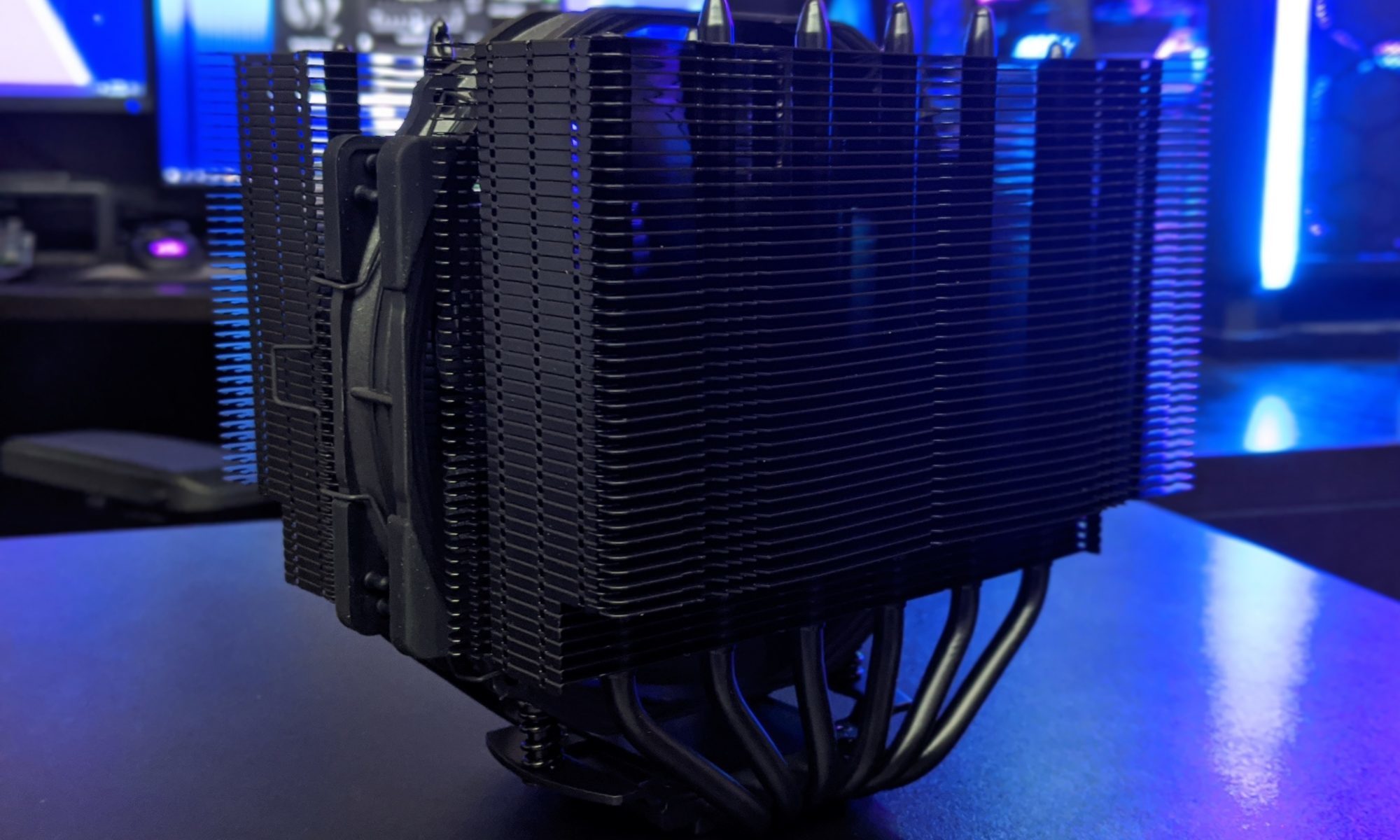
CPU coolers are obvious candidates for acoustic comparison because their fans react directly to package temperature. Tower coolers can offer low noise at a reasonable price, while all-in-one liquid coolers may shift noise between radiator fans and the pump. Pump speed, mounting orientation and coolant temperature should be documented rather than treated as background details.
Graphics cards introduce several competing sounds. Axial fans may stop at idle, but coil whine can remain during high frame rates. A larger heatsink may stay quiet in a spacious case, while a compact dual-fan design can become sharp and intrusive. Reviews should distinguish fan noise from electrical noise and state whether a side panel was installed.
Cases shape every other component’s acoustic result. Mesh fronts generally improve airflow, but a well-designed solid-front case can remain quiet when its internal channels are sensible. Poorly placed dust filters and restrictive vents increase fan speed, which is why a case should be tested as a complete system rather than judged by panel style alone.
Power supplies and storage devices deserve attention too. A PSU fan may remain idle at moderate loads, then change abruptly when a threshold is crossed. Mechanical hard drives add vibration that a microphone may record poorly but a desk can transmit clearly. Rubber mounts, fan curves and drive placement are part of the real acoustic package.
Reading results in an Australian home
Local conditions can change the balance between noise and performance. A PC tested at 21°C ambient may behave differently during a 35°C Adelaide afternoon, when the cooler has less temperature margin before its fan curve ramps up. Reviewers should publish room temperature and, where possible, include a warm-room stress scenario.
Dust is another practical factor. Homes near busy roads, rural properties outside Canberra and coastal areas around Sydney or the Gold Coast can expose systems to different mixtures of dust and humidity. A heavily filtered case may protect components but require more frequent cleaning, while an open mesh design can accumulate debris quickly.
Australian room layouts also influence perceived noise. In a compact rental, a desktop may sit close to a wall or under a desk, turning low-frequency fan noise into a persistent reflection. In a larger games room, the same machine may seem unobtrusive. Review language such as “quiet at a desk” should explain the distance and placement used.
Pricing and availability complete the picture. A cooler available for $59 during an EOFY sale can be a stronger recommendation than a technically superior model that lands at $120 after shipping. Local warranty support, replacement fan availability and retailer stock matter when a quiet build is planned around a specific acoustic target.
Measurements worth recording
- Sound level at fixed distances, with ambient noise stated
- Fan and pump speeds at each performance point
- Sustained temperature, power draw and clock behaviour
- Frame-time consistency for graphics workloads
Designing reviews around real use
A strong review can present default results first, then add noise-normalised testing as a second layer. That preserves the familiar stock comparison while showing what happens when every product is given the same acoustic budget. Readers can then choose maximum performance, lower noise or a practical middle ground.
Fan-curve testing should include idle, light desktop work and sustained loads. Sudden ramps are often more annoying than a steady moderate sound, so the review should describe how quickly the system changes character. Recording a short audio sample can help, although microphones and compression cannot replace calibrated measurements.
The final recommendation should connect the data to a type of buyer. A competitive player with headphones may prefer maximum frame rates, whereas a quiet workstation builder may value consistent 32 dBA operation. Someone assembling a PC for a shared lounge in Newcastle may care more about tonal noise than a small difference in Blender completion time.
Useful review verdicts can be framed around acoustic priorities:
- Best peak performance when noise is secondary
- Best quiet operation at a fixed sound target
- Best efficiency for modest power limits
- Best value after local Australian pricing
Noise-adjusted performance does not make raw benchmarks obsolete. It gives them context. Once acoustics, heat, power and price appear on the same page, a hardware review becomes closer to the decision buyers actually face: choosing a machine that performs well without becoming the loudest object in the room.